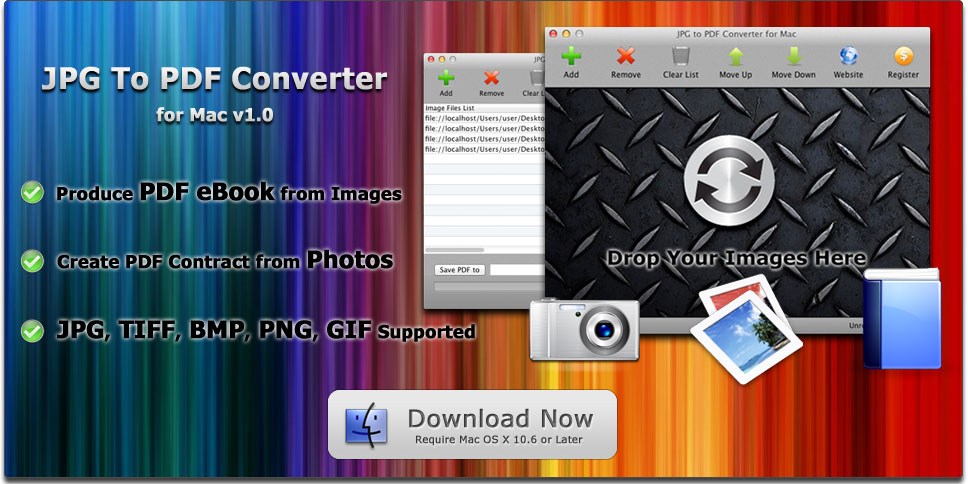
JPG To PDF Converter for Mac
Convert Image Files to PDF Documents on Mac OS X
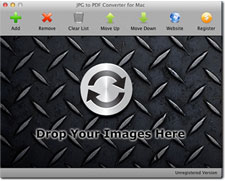
JPG To PDF Converter for Mac creates PDF documents from image files that you select. Simply drag and drop your images and photos onto the application, and click Convert Now button to start the task. If you want to change the page sequence, simply click the Move Up or Move Down buttons, or drag the image path and drop to the correct row.
With JPG To PDF Converter for Mac, you can easily produce PDF eBooks from image materials, and create PDF contract from scanned images & photos.
Formats Supported: JPG (JPEG), TIFF (TIF), BMP, PNG, GIF.
NOTE: This application can convert single-page TIFF format images to PDF documents, but CANNOT convert the Multi-page TIFF Image to PDF format.



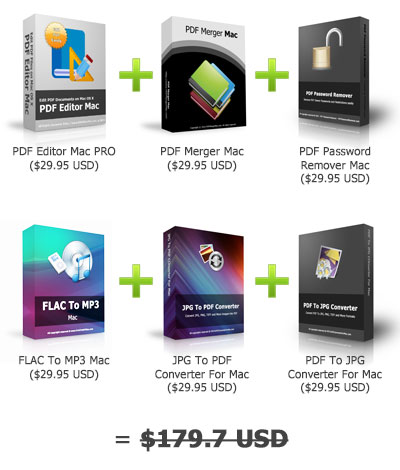
JPG to PDF Converter for Mac Download
With endless innovations in various fields of work, all software utilized to expedite processes is expected to be affordable, user-friendly, and reliable. In the context of creating electronic books and legal documents, writers are faced with a challenge that remains unsolved: converting image files to the PDF format.
While you may think that the problem is superficial at face value, the concern is more than that. In Ebook creation, some image files are inserted as pages. Without a tool that can convert to PDF instantly, writers are compelled to undergo lengthy processes, which kill so much time intended for other tasks. For professions involving the framing of legal documents, revisions are common. However, text and other areas for formatting can only be changed if converted to PDF or Word file.
Finally, there is a solution! Introducing, the JPG to PDF Converter for Mac! It is the newest creation that takes away the hassles of converting from one format to another. The following are its key benefits:
Compatible with Various Image Formats. Don't be too discouraged about the software's name. No, the conversion is not exclusive to the JPG image format. In fact, the program supports almost all the image files you can name, specifically JPG, TIFF, BMP, PNG, and GIF. However, since the converter continues to seek for perfection, only single-page TIFF formats can be accepted. Otherwise, you must convert from one image file to another so you can convert multiple images. Still, the level of compatibility is undeniable.
Very Easy to Use. Does converting from an image file to PDF sounds difficult? JPG to PDF Converter for Mac sure makes it look like a piece of cake! The program allows the user to drag image files to be converted and makes him arrange them the way he wants it. The move up and move down buttons just have to be clicked to arrive at the desired page sequence. Once this is finalized, just click "Convert Now" and poof! You now have a PDF file in just a matter of a few seconds!
Incredibly Fast! As suggested, Ebook writers and document framers experience the problem which this converter tries to solve. They are people who create endless work, day by day. The creators of the JPG to PDF Converter for Mac acknowledge that every second is precious for these individuals. Therefore, the program assures a speedy process in the conversion. Got hundreds of pages to convert for a book submission? Worry no more! Have to revise a legal document but need it via PDF? This converter has your back, so all you need is a few seconds and the job is done.
Best for Contract Creation! Contracts are binding documents. Therefore, they have to be accurate and quickly produced. This program was specifically created for this purpose! If a contract to be copied was caught on camera, it just has to be converted to PDF, saving all the time for other concerns. If the given template for a contract was merely a scanned image, it can be easily changed to a PDF format, making time for changes to be made. Plus, remember that PDFs are editable, so the revision process is a walk in the park!
Those are benefits that cannot be passed up! So, if you are a promising Ebook writer, get this now! If you are a lawyer or paralegal, don't forget to consider this to increase your productivity. For everyone else wanting to get a converting job done, JPG to PDF converter Mac is here for you! Download it Now!
Disclaimer: This revolutionary software is only available for Mac users, specifically to MAC OS X. If you want to use it on Windows, please visit the JPG To PDF Converter Windows version site.